March 29, 2026
The Touchscreen Darkroom: Making iPad Pro Your Primary Photo Editing Setup
For a long time, the idea of using a tablet as a primary computer was met with serious skepticism by creative professionals.
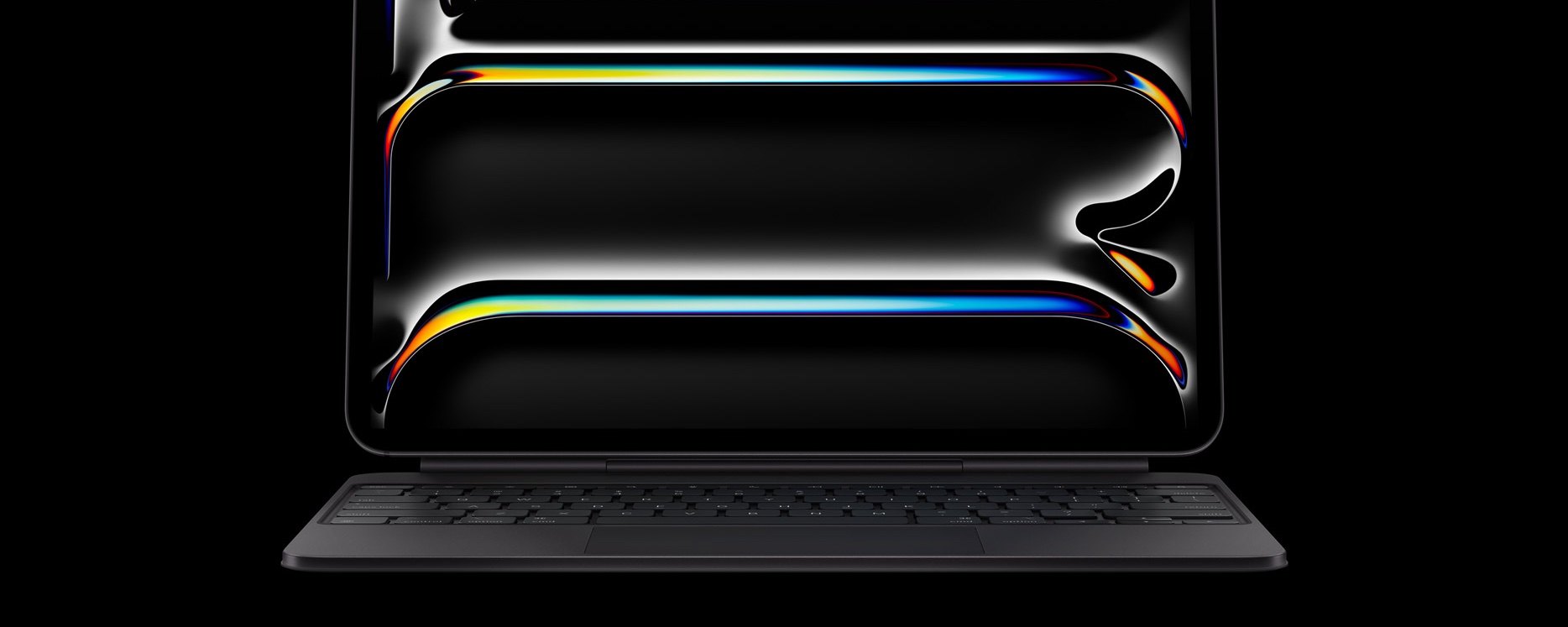
For a long time, the idea of using a tablet as a primary computer was met with serious skepticism by creative professionals. We were tied to massive desktop monitors and heavy laptops. But recently, a massive shift has happened. Using an iPad as a primary computer has completely revolutionized my photography workflow. Moving away from a traditional desk setup and embracing a touchscreen is incredibly liberating. It brings a tactile, hands on feel back to the digital editing process that a mouse and keyboard simply cannot replicate.
If you are thinking about ditching the laptop and moving your entire photography workflow over to an iPad, it requires a slight change in how you think about file management and software. Here is how to make the transition as smooth as possible.
The Magic of the XDR Display
Before we even talk about software or workflow, we have to talk about the screen itself. If you are using an iPad Pro, you are essentially holding a high end reference monitor in your hands. The XDR display, especially with its OLED technology, is an absolute dream for photo editing. Because OLED panels can turn off individual pixels, you get absolute true blacks and a practically infinite contrast ratio. When you are editing High Dynamic Range photos, the sheer brightness of the highlights combined with those deep, rich shadows means you are seeing every single detail your camera captured. You can completely trust the colors and the contrast on the screen, which is the most important foundation for any serious editing session.
Embrace the Apple Pencil
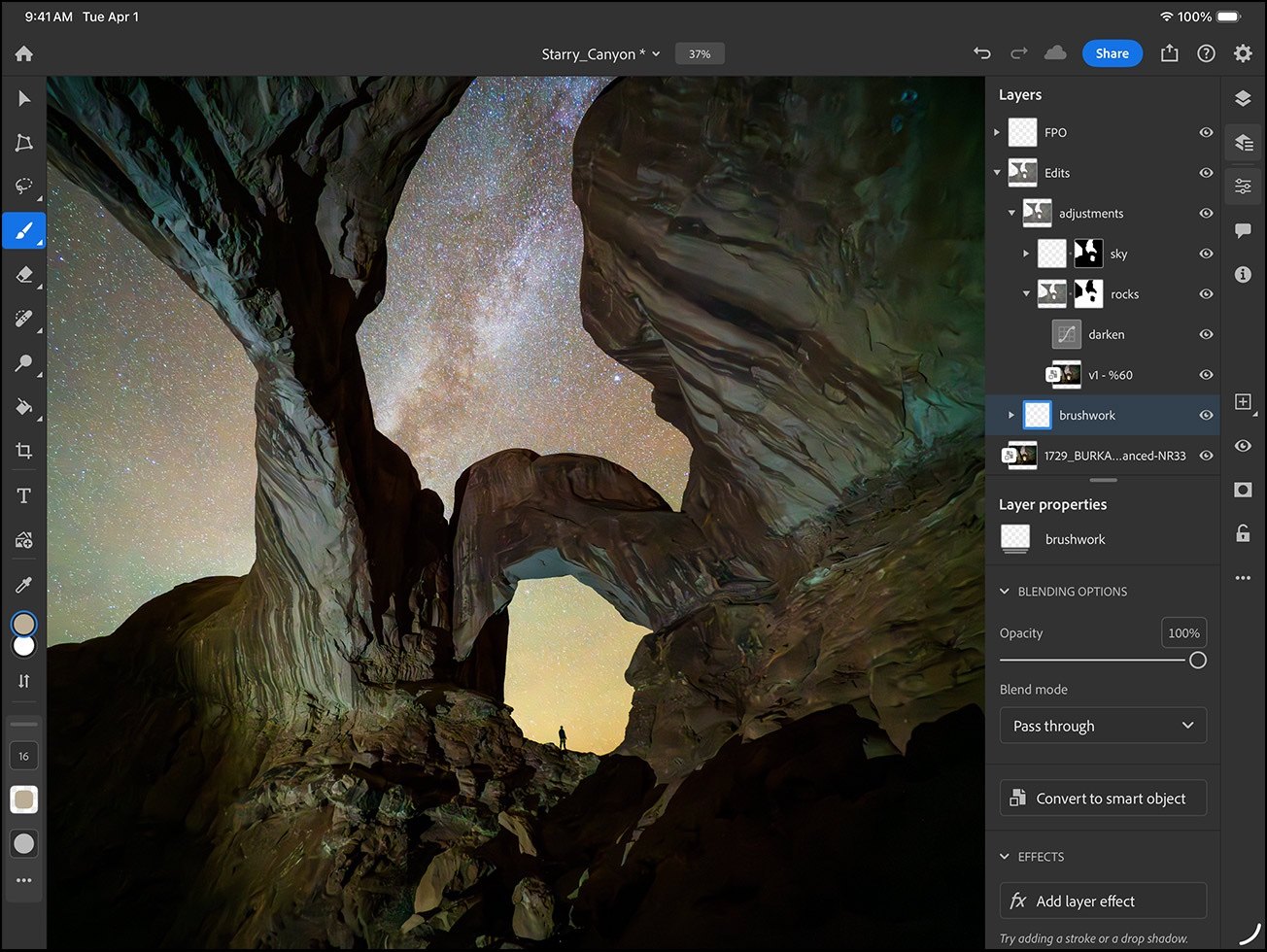
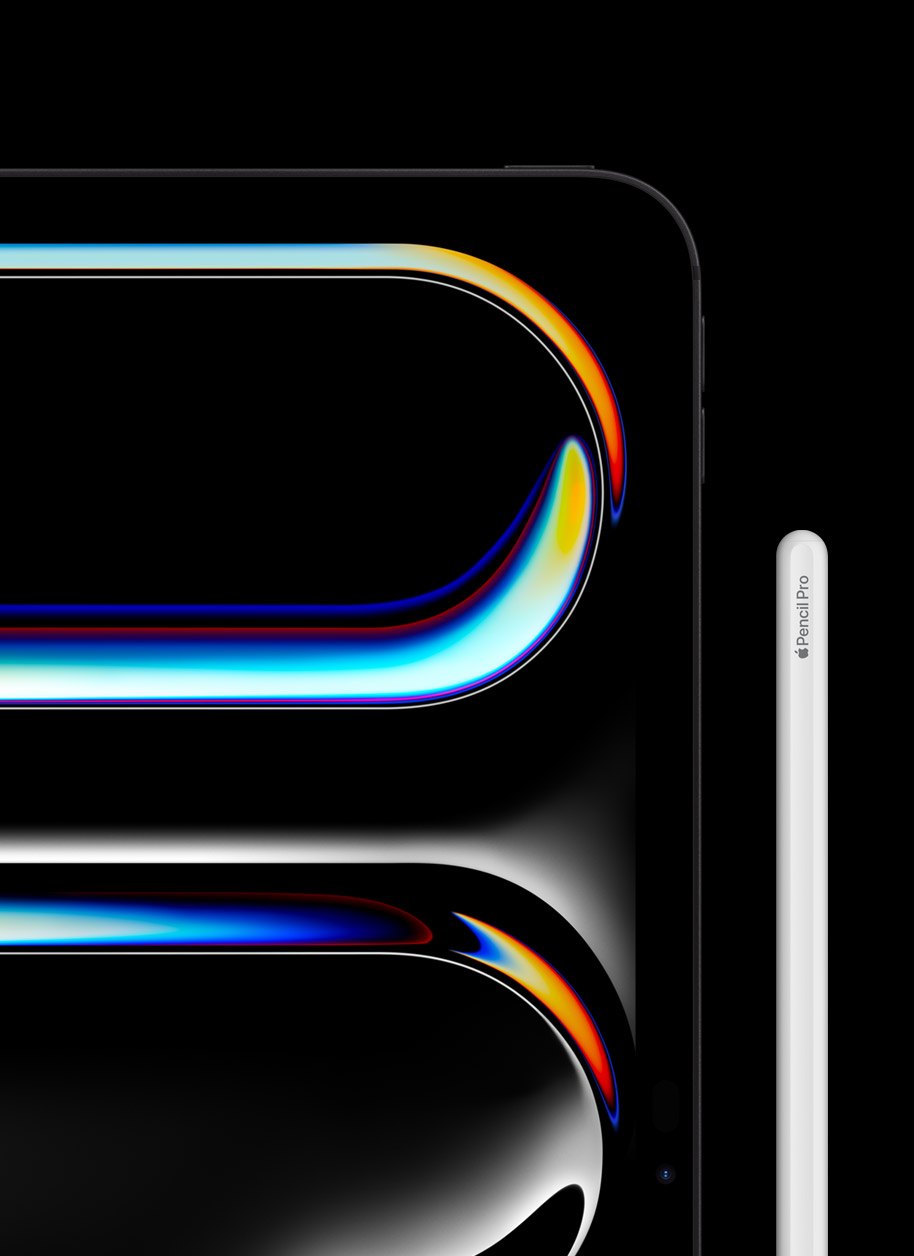
You can absolutely edit photos using just your fingers, but a dedicated Apple Pencil is what transforms the iPad from a media consumption device into a precision tool. When you are dodging and burning a landscape or cleaning up a portrait, using an Apple Pencil feels exactly like painting on a canvas. The pressure sensitivity allows for incredibly subtle adjustments that would be extremely tedious with a trackpad. It bridges the gap between the digital file and the physical act of creating art.
Rethink Your File Management
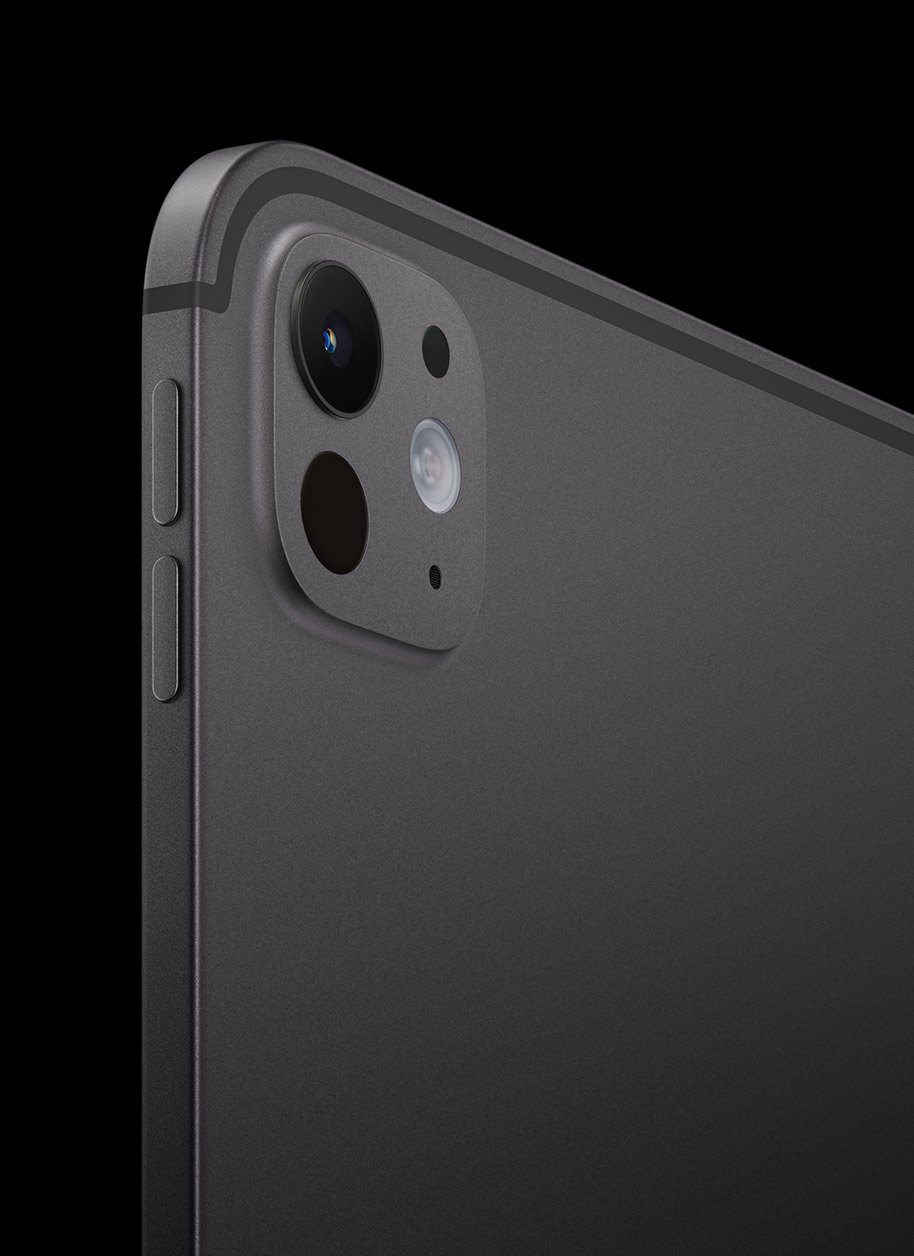
The biggest hurdle for most photographers moving to a tablet is figuring out where all their files go. You do not have a traditional desktop folder system in the same way you do on a Mac or PC. Instead, you need to rely heavily on the native Files app and external solid state drives. The USB C port on modern iPads allows you to plug a high speed drive directly into the tablet. You can import your massive RAW files straight into your editor of choice without clogging up the internal storage of your device.
Choose the Right Software Environment
We are no longer limited to watered down mobile apps. The software available on the iPad today rivals full desktop applications. For an experience built natively for Apple hardware, Photomator is an absolute powerhouse. It uses machine learning to handle complex edits like subject selections and color grading seamlessly, while still giving you deep manual control over every single slider. When you need to step beyond raw photo processing and get into heavy, layer based editing or compositing, Pixelmator Pro steps in as the perfect companion. These apps are designed from the ground up to take advantage of the iPad processors, and they integrate beautifully with the native Photos app (which is no slouch in photo editing on it’s own). The trick is to pick an ecosystem and learn its specific touchscreen gestures inside and out.
Find Your Editing Environment
The greatest advantage of the iPad is its portability. You are no longer chained to a dark office. You can cull your images while sitting on the couch, color grade at your favorite coffee shop, or edit on an airplane tray table. This mobility actually helps prevent creative fatigue. Changing your physical environment often provides a fresh perspective on your images. The iPad allows your darkroom to be wherever you want it to be.
“What’s a computer?”
Rich Photography · Lexington, Kentucky