June 8, 2026
Mountain Photography on Your Phone - How to capture epic peaks with just an iPhone
Mountains have a way of making everything else feel small.
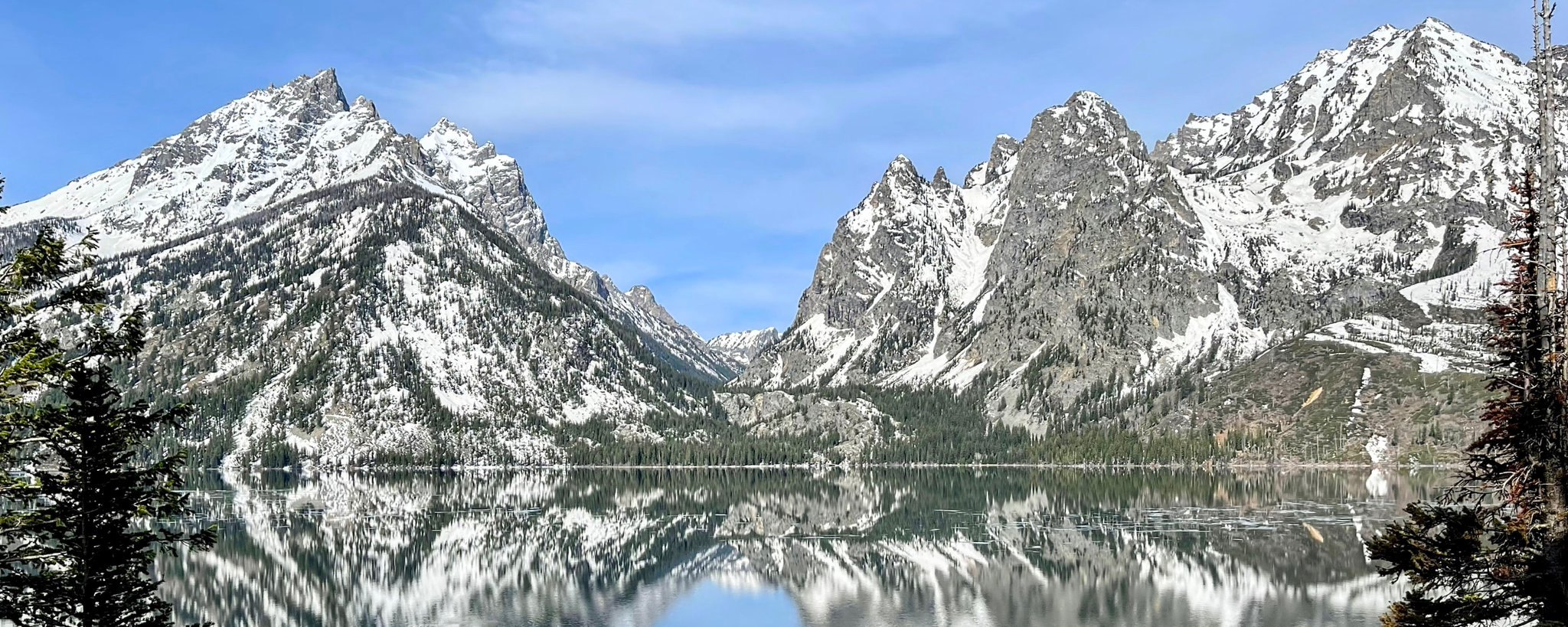
Mountains have a way of making everything else feel small. Whether it is the dramatic granite spires of Grand Teton or the rolling, misty ridges of Great Smoky Mountains National Park, they offer incredible opportunities for phone photography. The challenge is fitting that sense of scale and majesty into a small frame without the photo looking flat or distant. With a few smart techniques, your iPhone can deliver powerful mountain shots that feel as big as the real thing.
Time It Right for Dramatic Light
The best mountain photos almost always happen during golden hour or blue hour. In Grand Teton, sunrise at Schwabacher’s Landing turns the peaks pink and orange while the Snake River reflects everything perfectly. In the Smokies, early morning fog filling the valleys creates those classic layered ridges. Avoid harsh midday light when possible. The low-angle sun brings out texture, depth, and color that your phone’s sensor loves. If you can only shoot midday, work with strong side light and deep shadows instead of fighting them. Arriving early or staying late also lets you avoid crowds, giving you cleaner compositions and more time to experiment with different angles as the light changes.
Use Layers to Create Depth
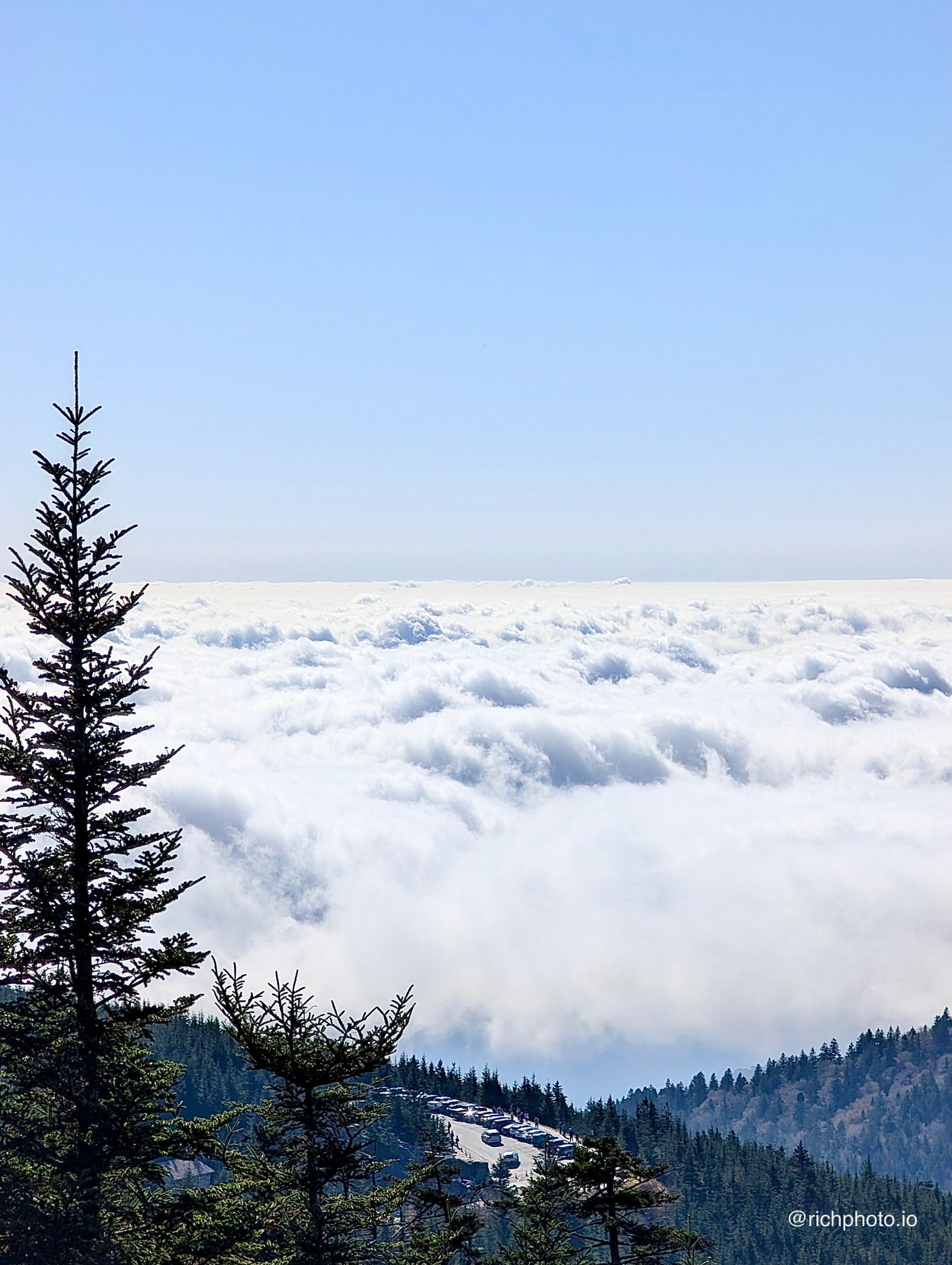
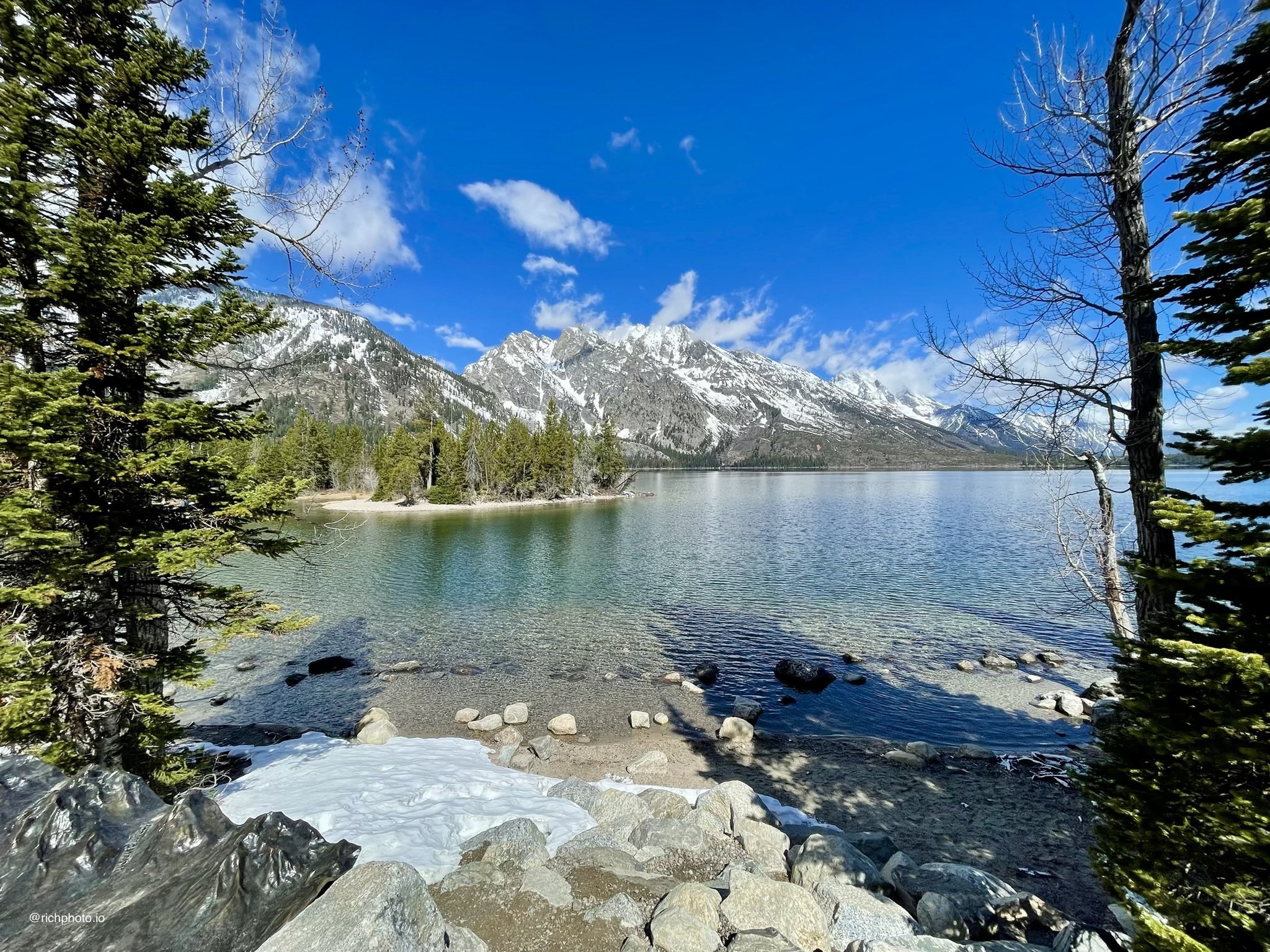
Mountain ranges are made for layered compositions. In the Smokies, shoot from overlooks like Newfound Gap or Kuwohi to capture multiple ridges fading into the distance. In the Tetons, position a foreground element like a wildflower meadow, barn, or the river to give your photo scale. Your phone’s wide lens is great here. Turn on the grid and place the strongest peak or horizon line along a rule-of-thirds line. Layers turn a simple mountain snapshot into a photo with real depth and dimension. Play with atmospheric perspective — the way distant ridges turn softer and bluer — which your iPhone captures beautifully and adds a natural sense of vastness to the scene.
Get Low or Find a Strong Foreground
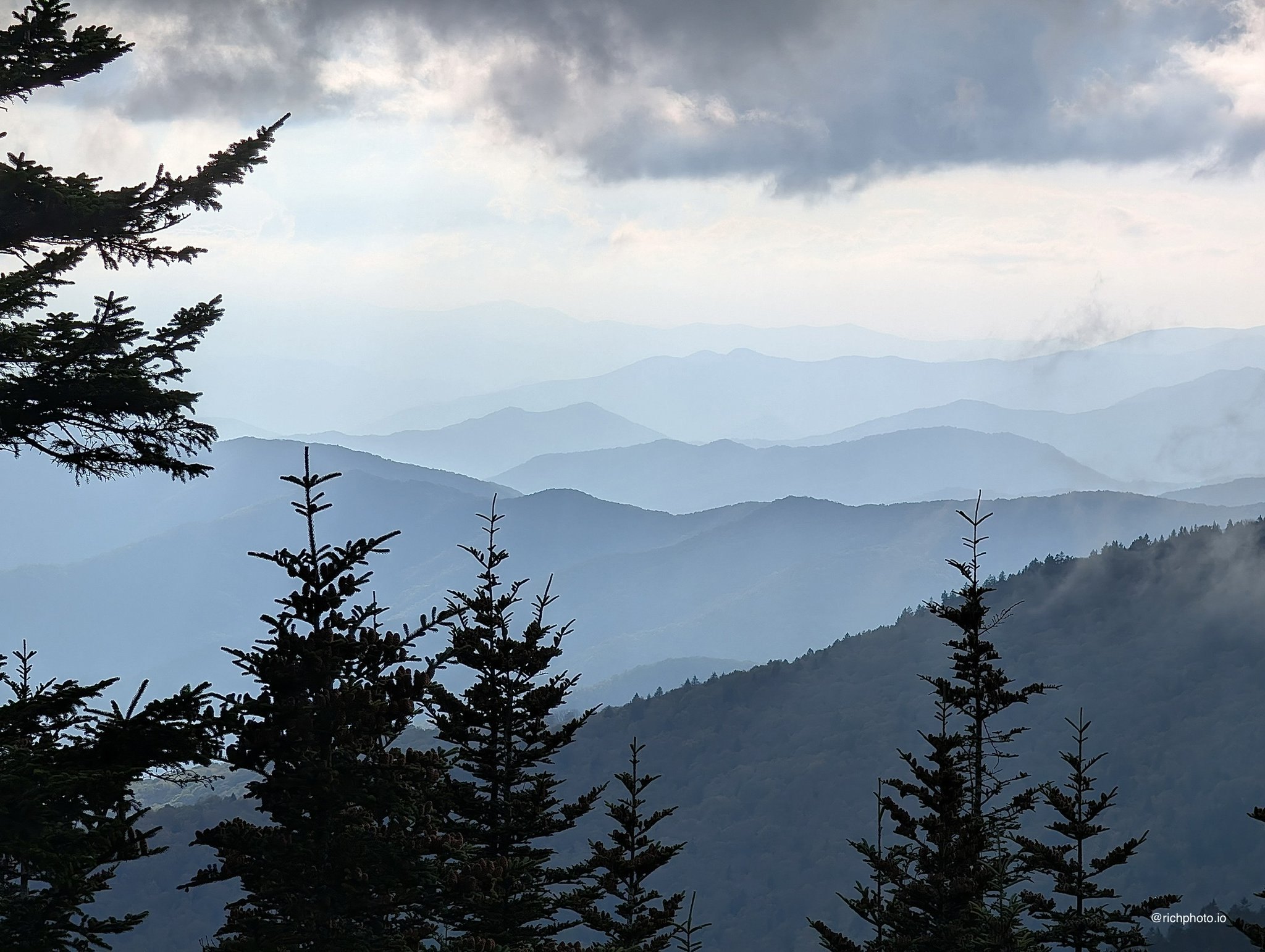
Standing at eye level and zooming in is the fastest way to make big mountains look small and boring. Get low to emphasize height, or include strong foreground interest. A twisted tree branch, colorful wildflowers, or even your hiking boots in the corner can anchor the shot. In Grand Teton, getting low at Mormon Row makes the barns feel intimate while the peaks tower behind them. In the Smokies, a single tree or rock outcrop in the foreground can make the endless ridges feel endless. Changing your elevation or position even slightly can completely transform how grand the mountains appear in the final frame.
Master Exposure for Bright Skies
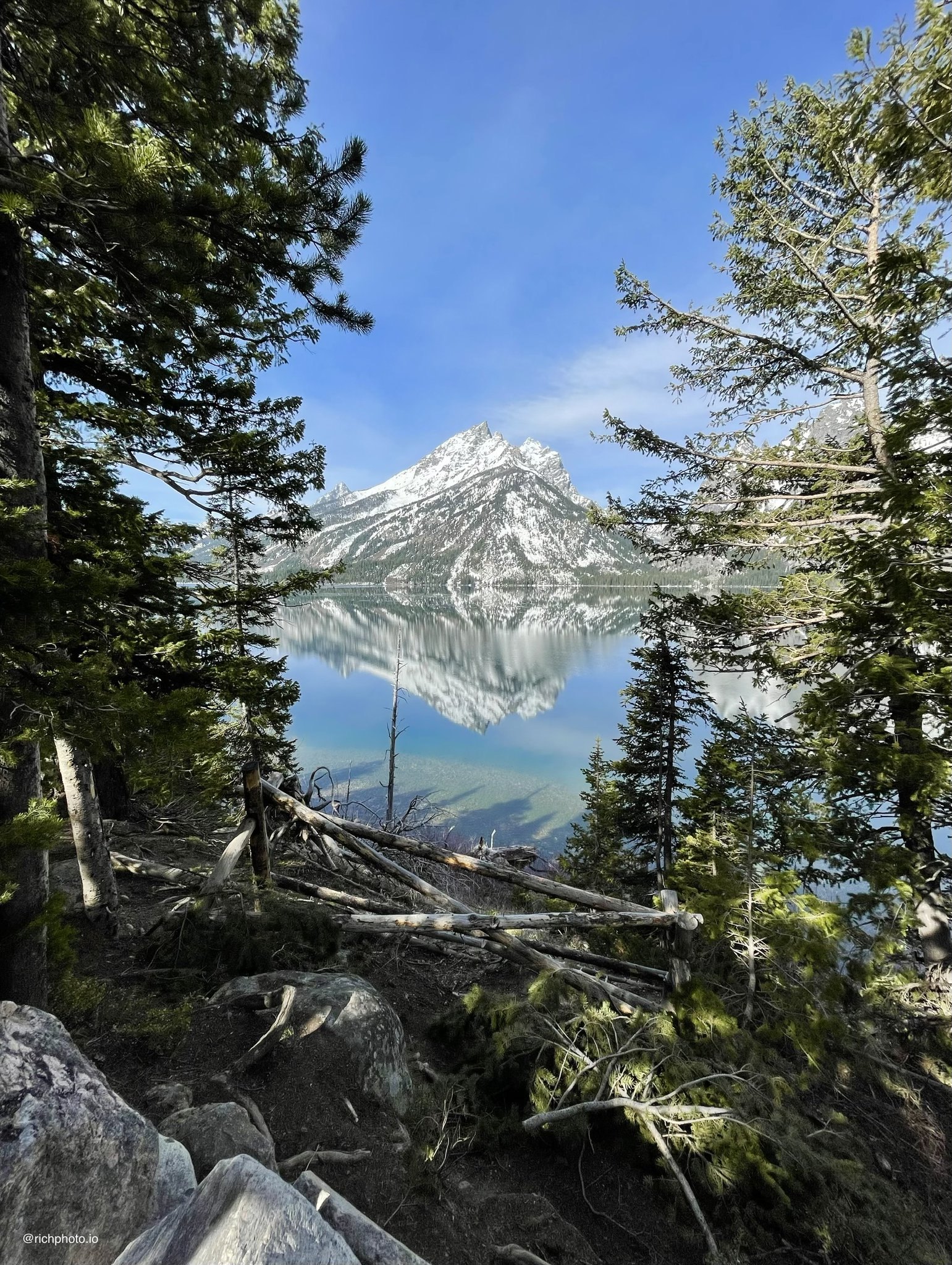
Phones often struggle with bright skies and darker mountain faces. Tap and hold on the mountain itself to lock focus and exposure, then drag the sun icon down to darken the image and recover sky detail. HDR mode helps a lot here. For sunrise or sunset, bracket a few shots if your phone allows it. The goal is to keep detail in both the bright sky and the darker terrain. A little exposure compensation in the moment saves a ton of editing frustration later. On iPhone, you can also tap the exposure slider and fine-tune it live in the viewfinder before committing to the shot.
Pay Attention to Weather and Atmosphere
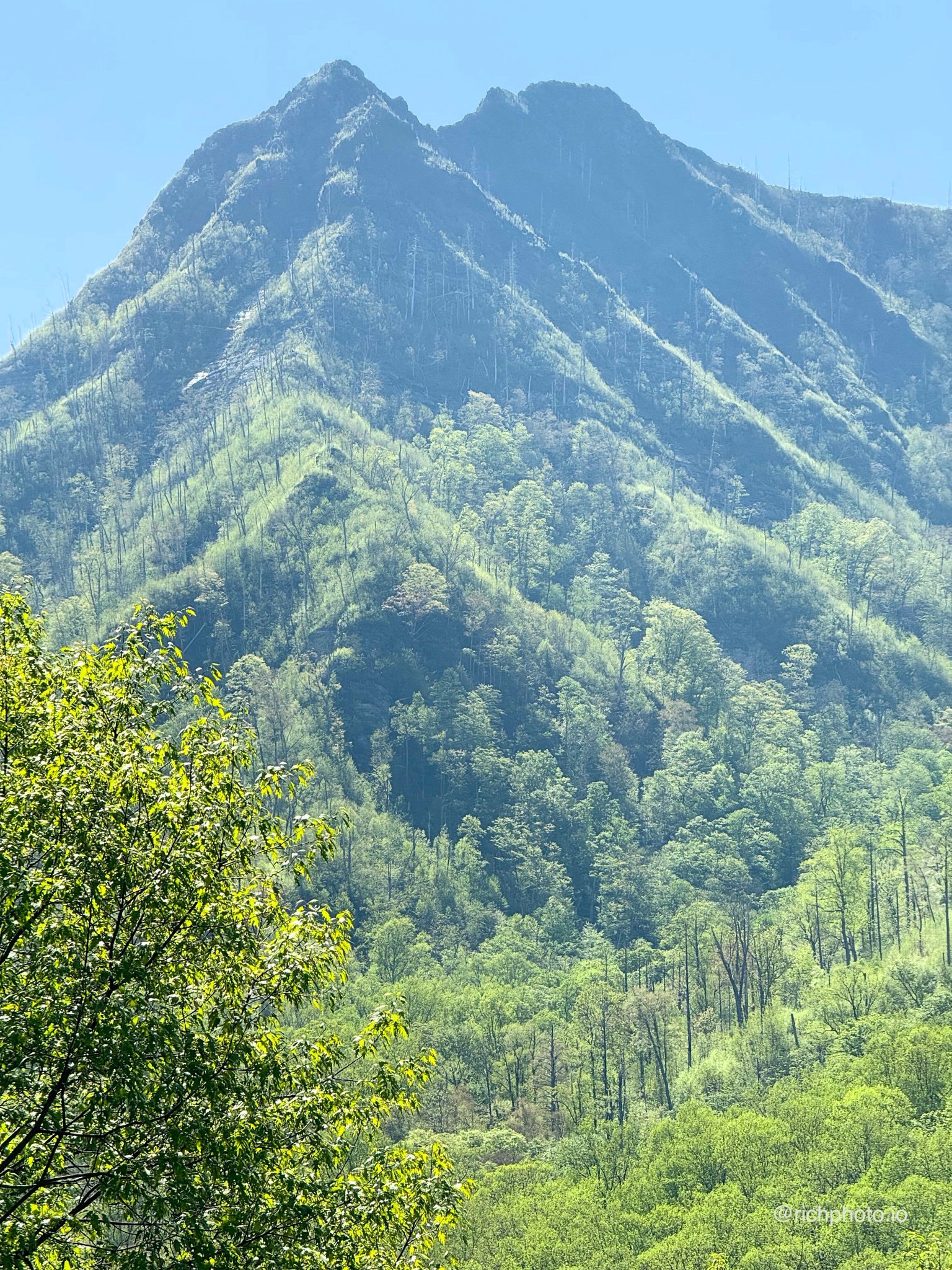
Some of the most memorable mountain shots happen when the weather is “bad.” Fog and mist in the Smokies turn the scene mysterious and soft. Storm clouds building over the Tetons add drama. Rain can make colors pop, and clearing storms often deliver the best light. Keep shooting through changing conditions. Your phone handles these atmospheric conditions surprisingly well, especially when you embrace the mood instead of waiting for perfect blue skies. Wind, passing clouds, and shifting light can all create fleeting moments that make a photo feel truly alive and unique to that exact day.
Simplify and Be Patient
Big scenes can feel overwhelming. Sometimes the strongest photo is just one dominant peak against a clean sky or a single ridgeline catching first light. Move around, zoom with your feet, and wait for the right moment. Patience is your best friend in the mountains. I have waited 20–30 minutes at an overlook for the light or clouds to shift, and it almost always pays off. Resist the urge to shoot everything at once. Slowing down and focusing on one strong composition often leads to far more impactful images than rushing through a dozen mediocre ones.
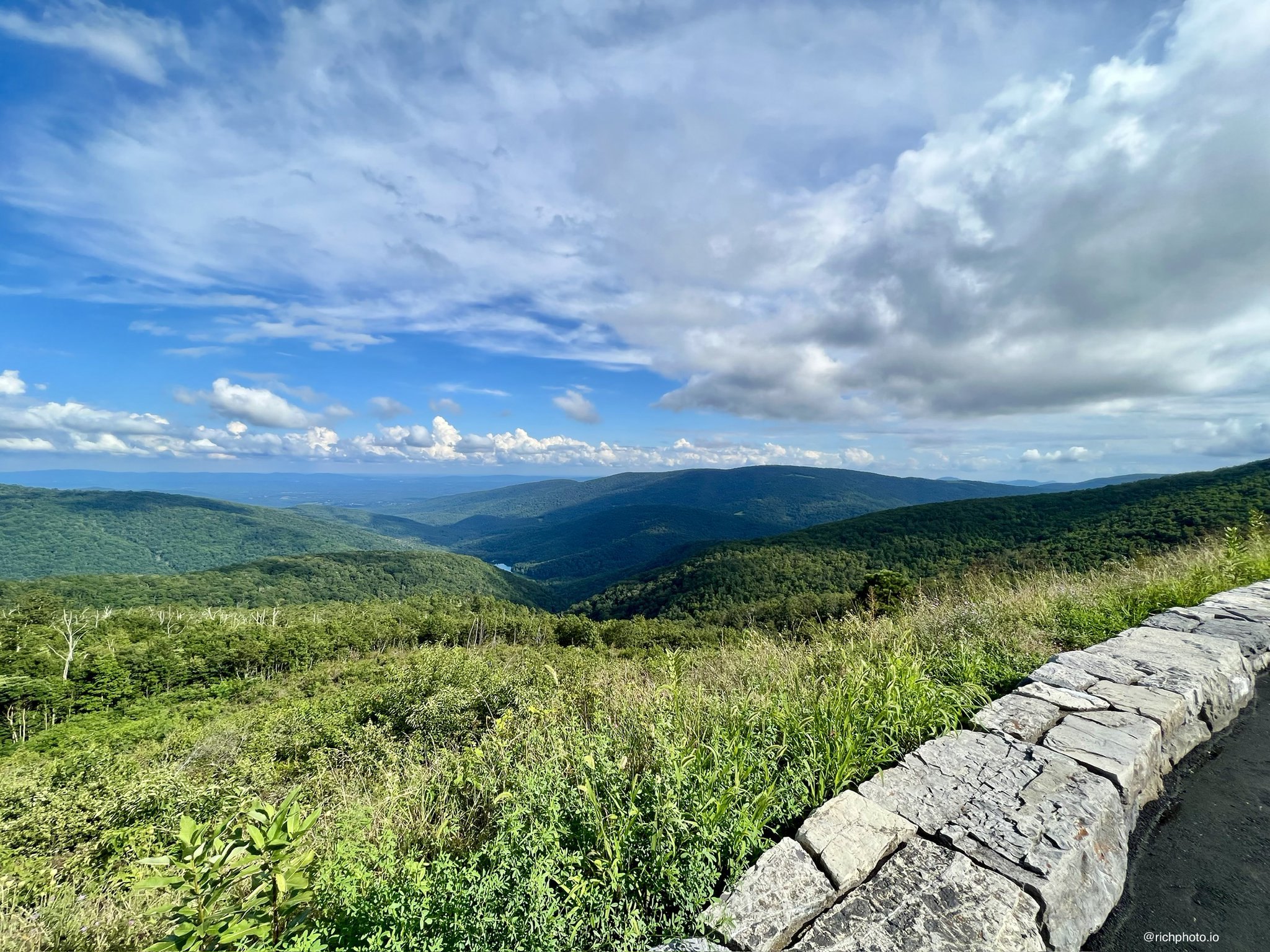
Mountains reward those who slow down and really look. Whether you are exploring the Smokies or standing beneath the Tetons, your iPhone is more than capable of capturing their grandeur. Next time you are in the mountains, take a few extra minutes with one strong composition. The results might just become some of your favorite photos.
-Rich | richphoto.io
Rich Photography · Lexington, Kentucky