May 2, 2026
Flower Photography on Your Phone - Simple tips to capture stunning blooms, garden, and wildflowers
Flowers are pretty much the ultimate phone-photo bait.
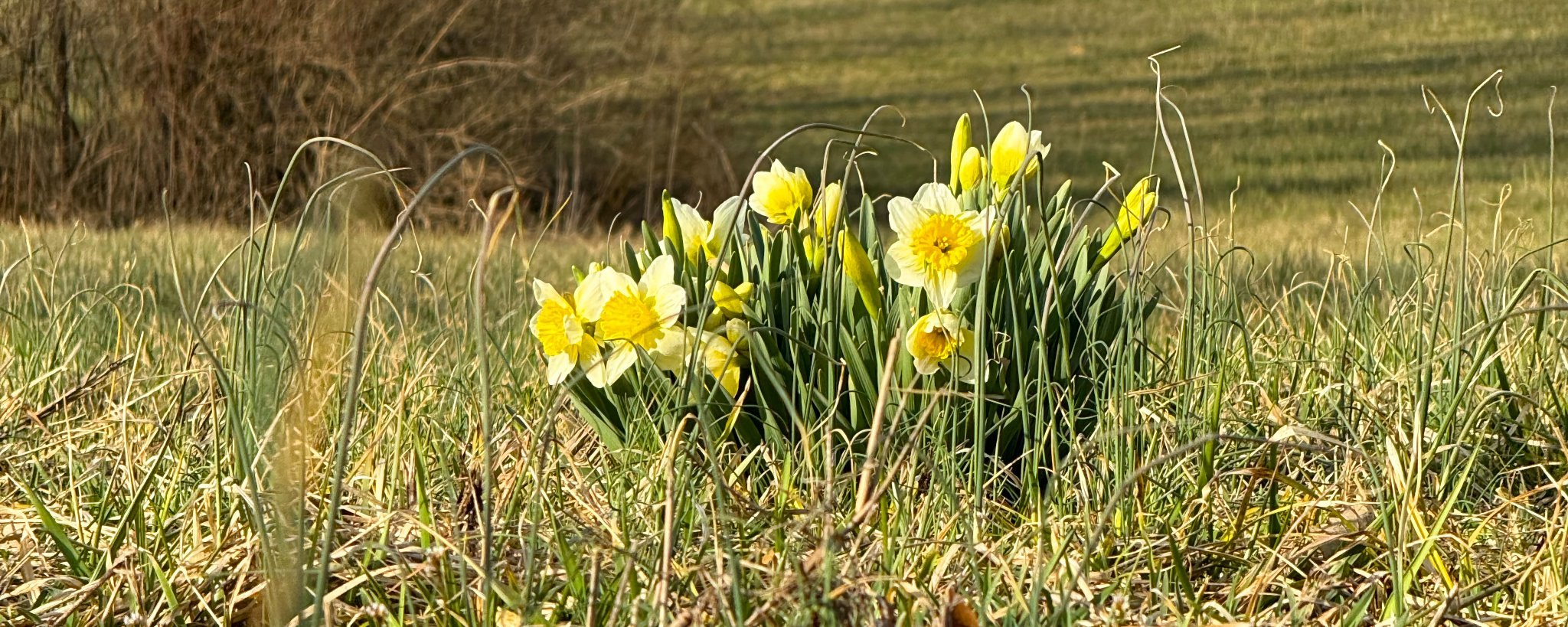
Flowers are pretty much the ultimate phone-photo bait. A bright rose in your yard, a roadside patch of wildflowers, or even the tulips at the grocery store—they all scream “take my picture!” But let’s be honest: most of the time the shot comes out flat, blurry, or lost in a sea of green mess. The good news? Your phone is actually fantastic at flower photography once you know a few easy tricks. No tripod, no macro lens, no botany degree required. Just your everyday iPhone (or any modern smartphone) and a little intention. Here’s exactly how to turn those pretty petals into photos you’ll actually want to keep.
Find Soft, Even Light
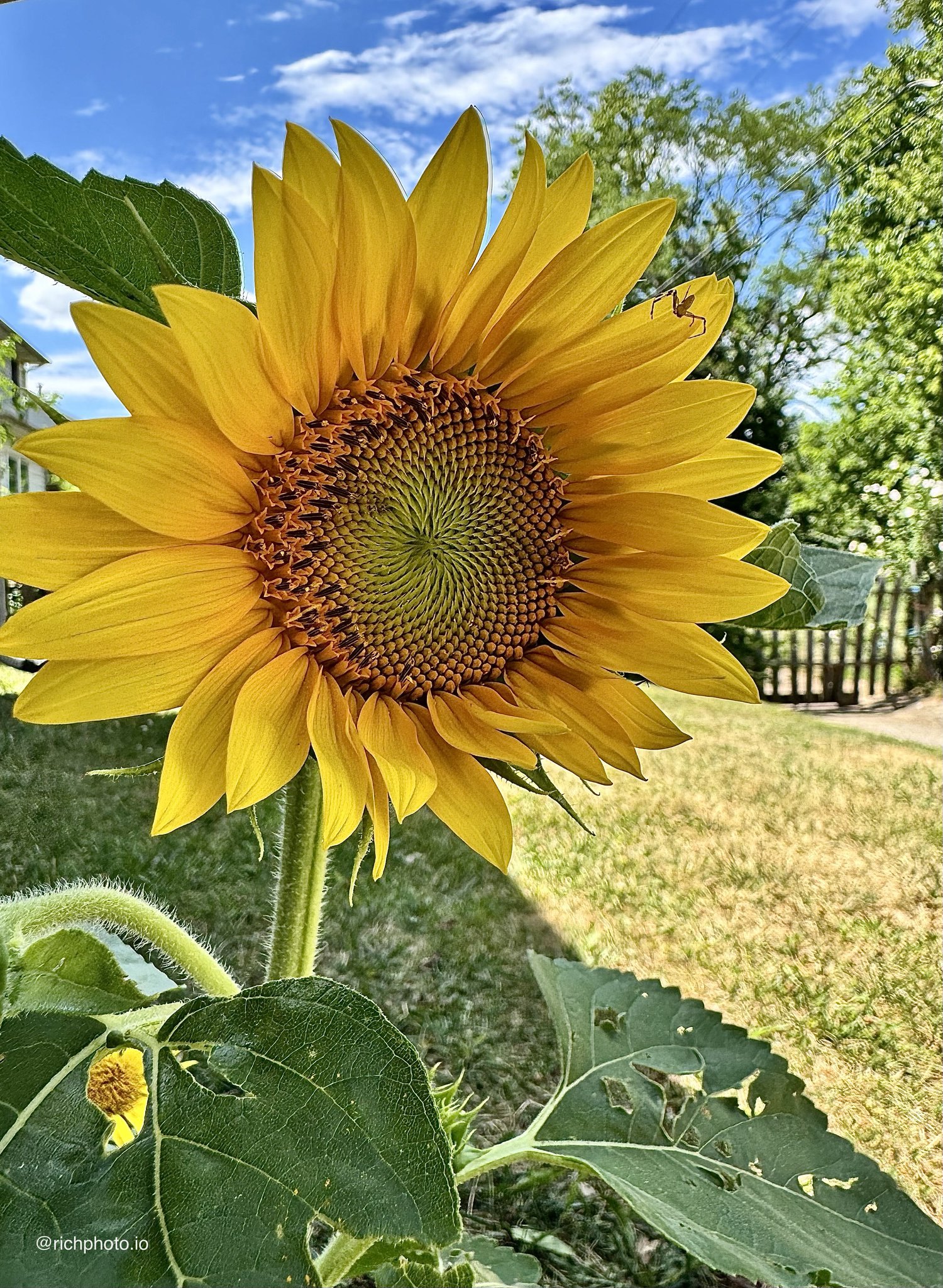
Harsh midday sun is the enemy of flower shots—it creates deep shadows and blown-out highlights that make everything look washed out. Instead, hunt for soft light: early morning, late afternoon, or even a cloudy day. If you’re shooting in your garden, wait until the sun dips behind a tree or building. Overcast skies are basically a giant softbox for flowers—they make colors pop without the drama. I’ve ruined way too many daffodil pics by shooting at noon and wondering why they looked like they were under interrogation lights. Soft light = happy flowers (and happier you).
Get Low and Close
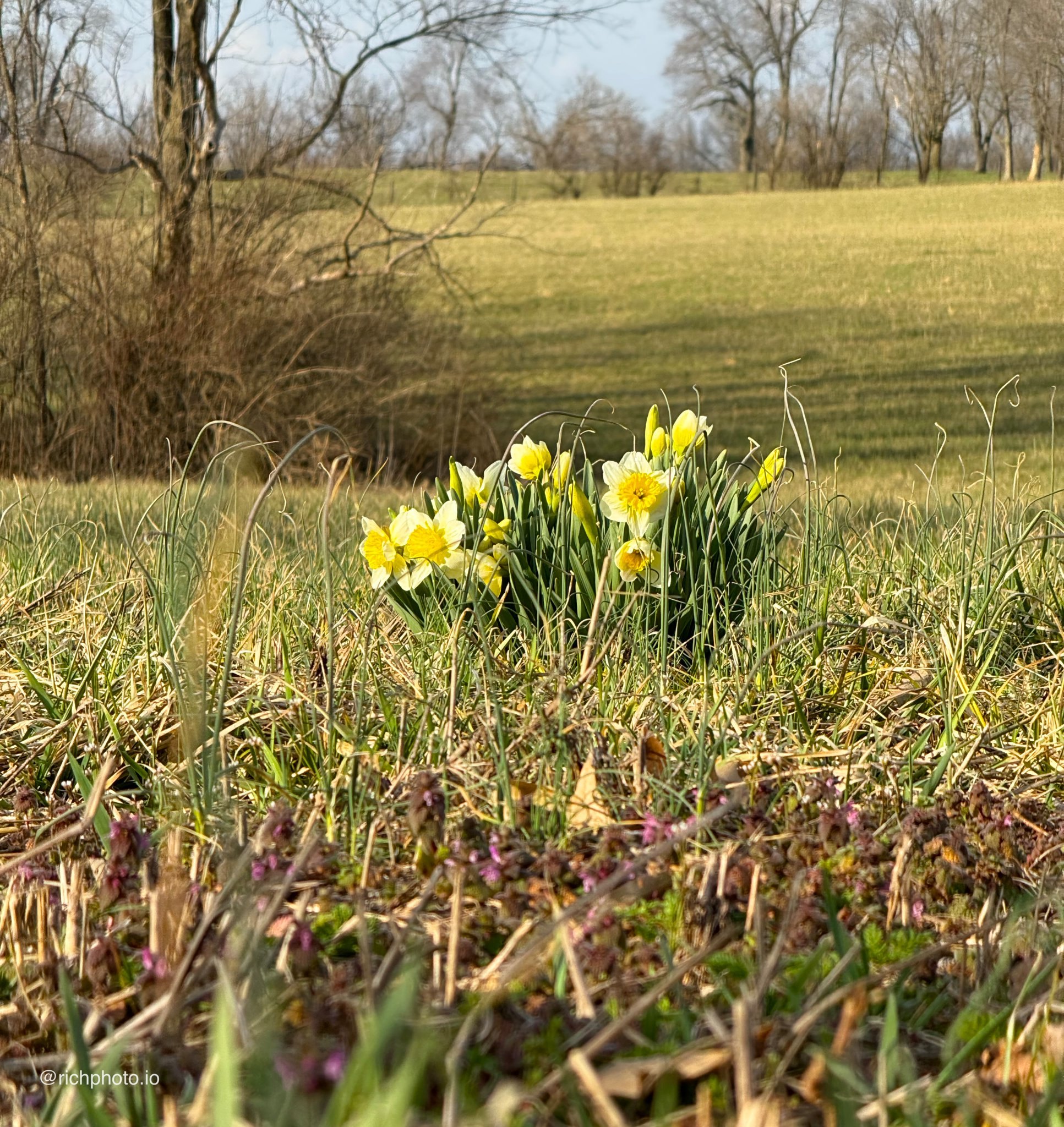
Most people stand tall and shoot down on flowers like they’re judging them from above. Big mistake. Drop down to their level—kneel, sit, or even lie on the grass if you have to. Getting eye-level with the bloom makes the photo feel intimate and alive. And yes, you might look a little silly crawling around the yard, but your shots will look way more pro. Pro move: use the back camera and tap the screen to focus right on the center of the flower so the details really sing.
Turn On Macro Mode
Your phone has a secret weapon called macro mode (on most recent iPhones it kicks in automatically when you get close). Open the Camera app, get within a few inches of the flower, and watch it switch. Suddenly you can see tiny dew drops, delicate veins in the petals, or the fuzzy texture on a wildflower stem. It’s like putting on superhero glasses. Just keep your hand steady—flowers don’t stay still when you’re breathing on them. If it doesn’t trigger automatically, force it by tapping the little flower icon that pops up.
Control Your Background
A busy background kills flower photos faster than anything. That gorgeous red rose looks a lot less gorgeous when it’s fighting with your lawn mower and the neighbor’s kid’s bike in the frame. Move around until the background is simple—plain grass, sky, or a soft blur of green. Portrait mode is your friend here because it automatically blurs everything behind the flower. If you’re out in the wild, position yourself so a distant tree or hill creates a clean backdrop. Clean background = flower becomes the star.
Tame the Wind (or Wait It Out)
Nothing ruins a flower shot like a breeze turning your subject into a green blur. On windy days, either wait for a calm moment or gently shield the flower with your hand (without touching it) while you shoot. Or use burst mode—hold the shutter button down and pick the sharpest frame later. Wildflowers on open trails are notorious wind dancers, so early morning or late evening is usually calmer. Patience here pays off big time.
Wildflower-Specific Tricks
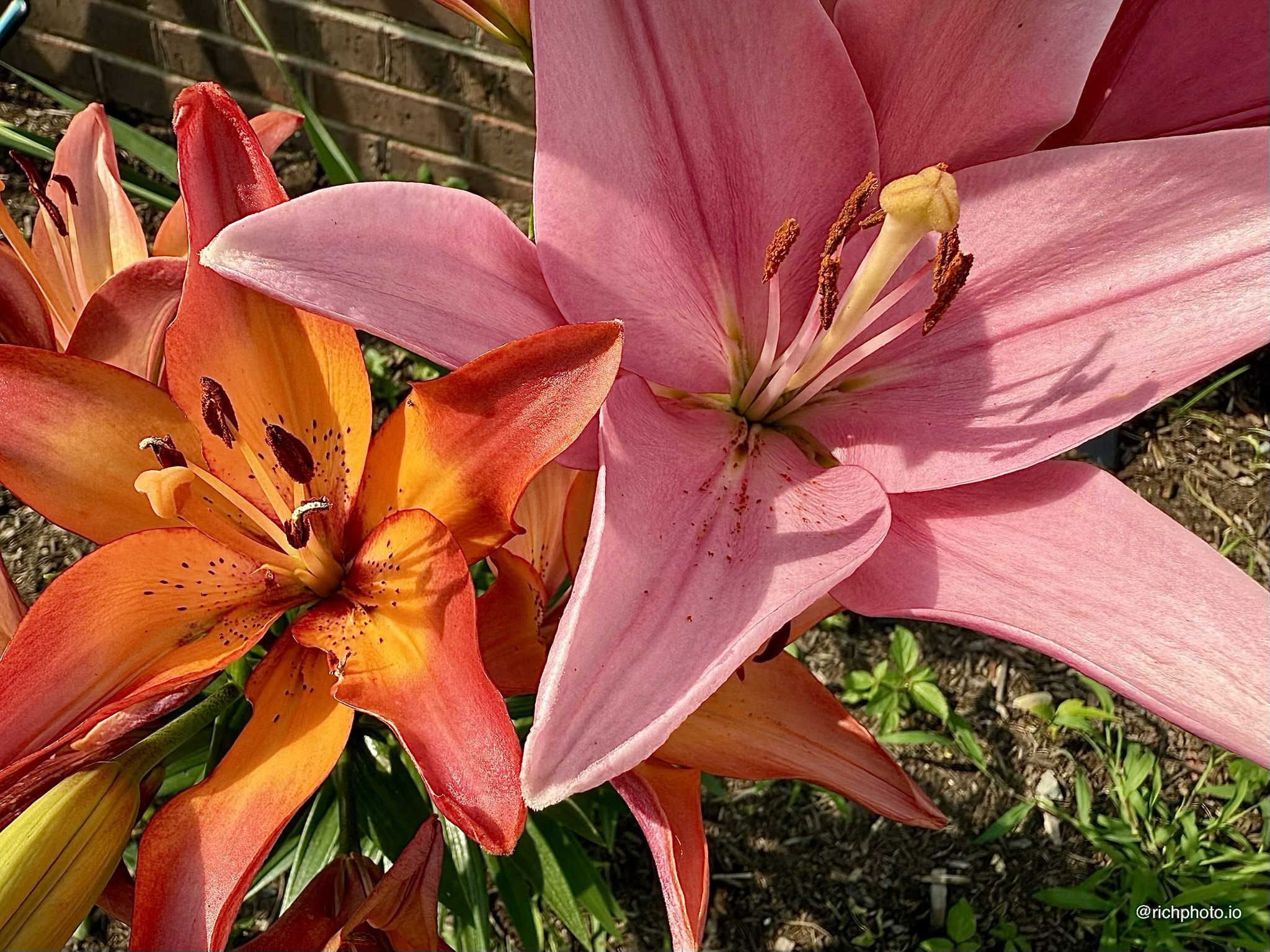
Wildflowers come with their own charm (and challenges). Look for patches in open meadows or along trails where the light filters through. Get low and use the surrounding grass or other blooms as natural framing. Apps like iNaturalist can help you identify what you’re shooting if you want to caption it later, but honestly the best shots come when you just focus on the colors and shapes. And remember: stick to the trail so you’re not trampling the very thing you’re photographing. Those little pops of color against a big landscape make killer wide shots too.
Simple Composition Ideas
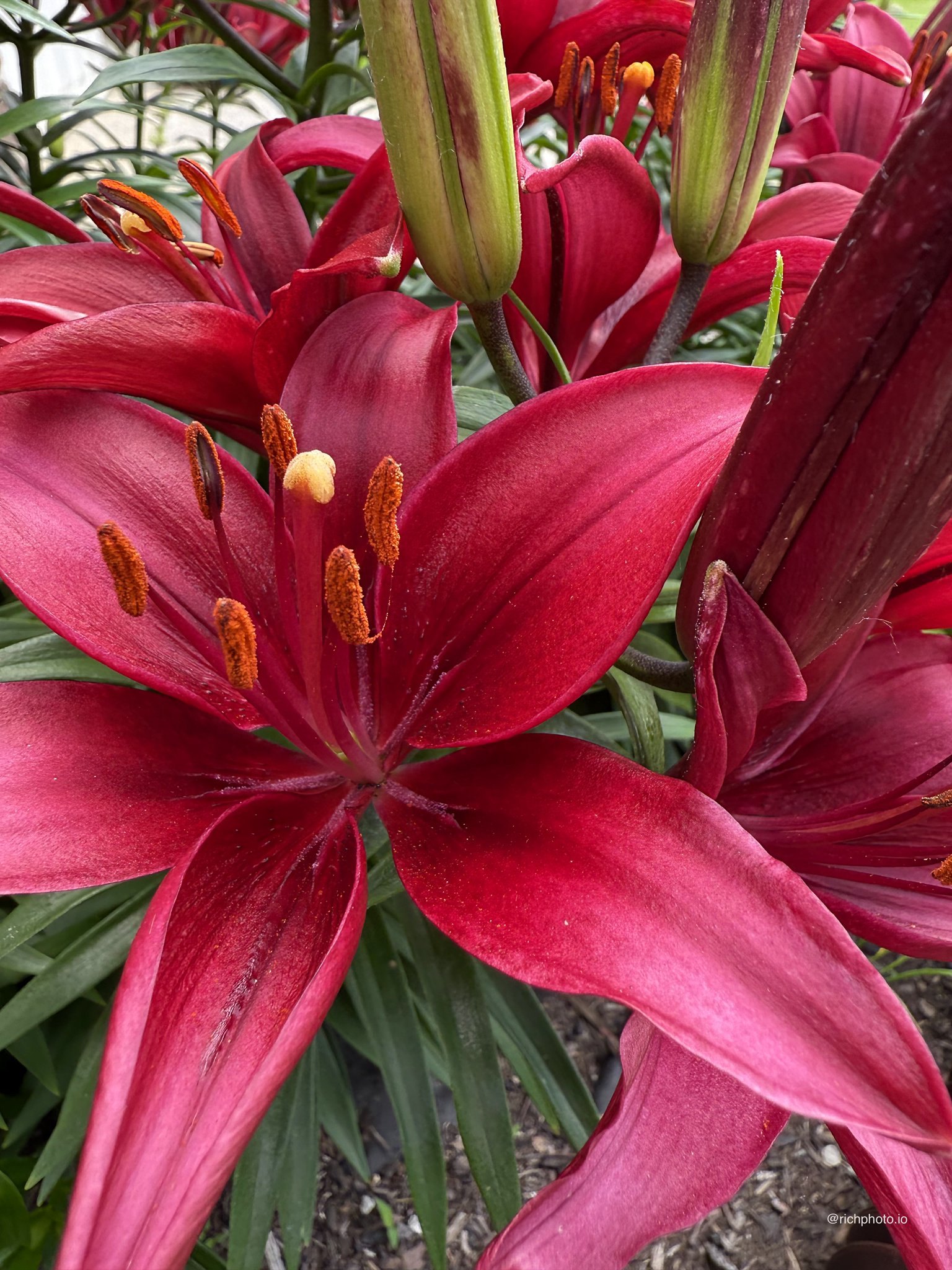
Don’t overthink it—flowers are already beautiful. Try the rule of thirds (turn on the grid in Settings > Camera) and place the main bloom where the lines cross. Or fill the whole frame with petals for an abstract look. Shooting straight down on a field of wildflowers can look like colorful confetti. Play around with angles: from the side for profile shots, from underneath for backlit glow. One strong flower often looks better than ten crammed together.
Quick Edits for Flower Pop
You’re not done when you hit the shutter. Open the photo, tap Edit, and give it a light touch: bump the Vibrance or Saturation just a notch to make colors sing, pull up the Contrast so the petals stand out, and crop out any distractions. The built-in “Auto” fix is surprisingly good for flowers—just don’t go overboard or they start looking fake. My rule: edit until it looks like what I actually saw in real life, then stop.
Shoot Anything – Start Super Simple
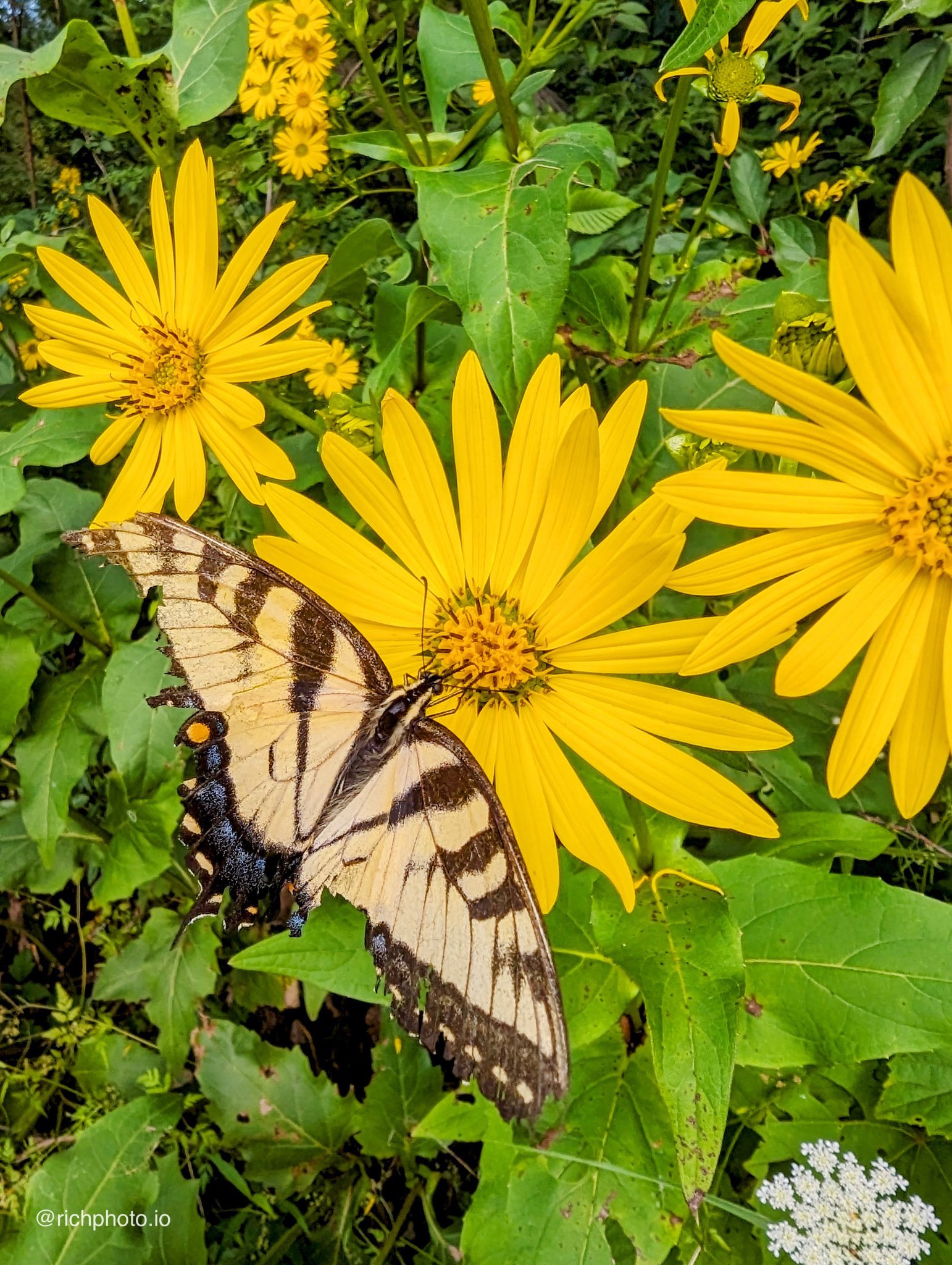
If you’re standing there thinking “okay, now what flower do I actually photograph?”, just start stupidly simple. A single dandelion in the grass, a leaf with a water drop, or one wildflower poking through the sidewalk cracks. These everyday finds are perfect practice because there’s zero pressure. The more you shoot basic stuff like this, the faster you’ll start seeing flower opportunities everywhere—your neighbor’s rose bush, the grocery store display, or a surprise patch on your next hike.
Flower photography on your phone is one of the most fun and forgiving ways to practice. The blooms are already doing most of the work; you’re just helping them show off. Pick one or two tips, step outside, and start snapping. Before you know it you’ll have a whole gallery of shots that actually make you smile.
Thanks for reading—grab your phone and go find something pretty to shoot today. Drop your favorite flower pic in the comments if you try any of these tricks. Can’t wait to see what you capture! 🌸📱
Rich Photography · Lexington, Kentucky