April 7, 2026
Capturing the Moon on Your Phone: Epic lunar shots without a telescope—in honor of Artemis II
Everyone’s tried it: you see that fat, glowing moon hanging low in the sky, whip out your phone like a total pro, tap the shutter… and get a sad little white dot floating in a sea of black mush.
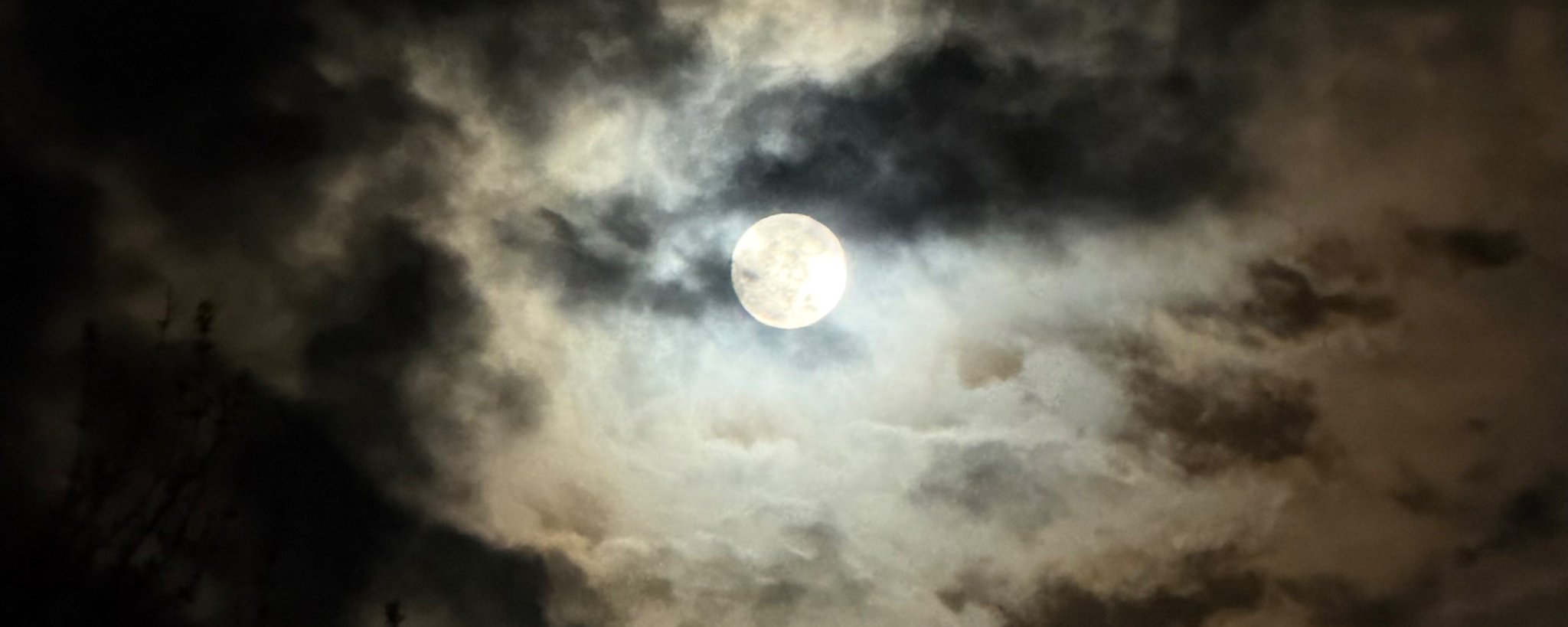
Everyone’s tried it: you see that fat, glowing moon hanging low in the sky, whip out your phone like a total pro, tap the shutter… and get a sad little white dot floating in a sea of black mush. Or worse, a blown-out blob that looks like it got run over by a truck. Meanwhile, Artemis II is gearing up to send actual humans around the moon (NASA’s first crewed deep-space mission in decades), so the least we can do is practice our own lunar photography from the backyard. Good news? Your phone is secretly built for this. No telescope, no tripod (though it helps), and zero rocket fuel required. Here’s exactly how to turn that tiny orb into a scroll-stopping moon shot.
Time It Right (Phase and Timing Matter)
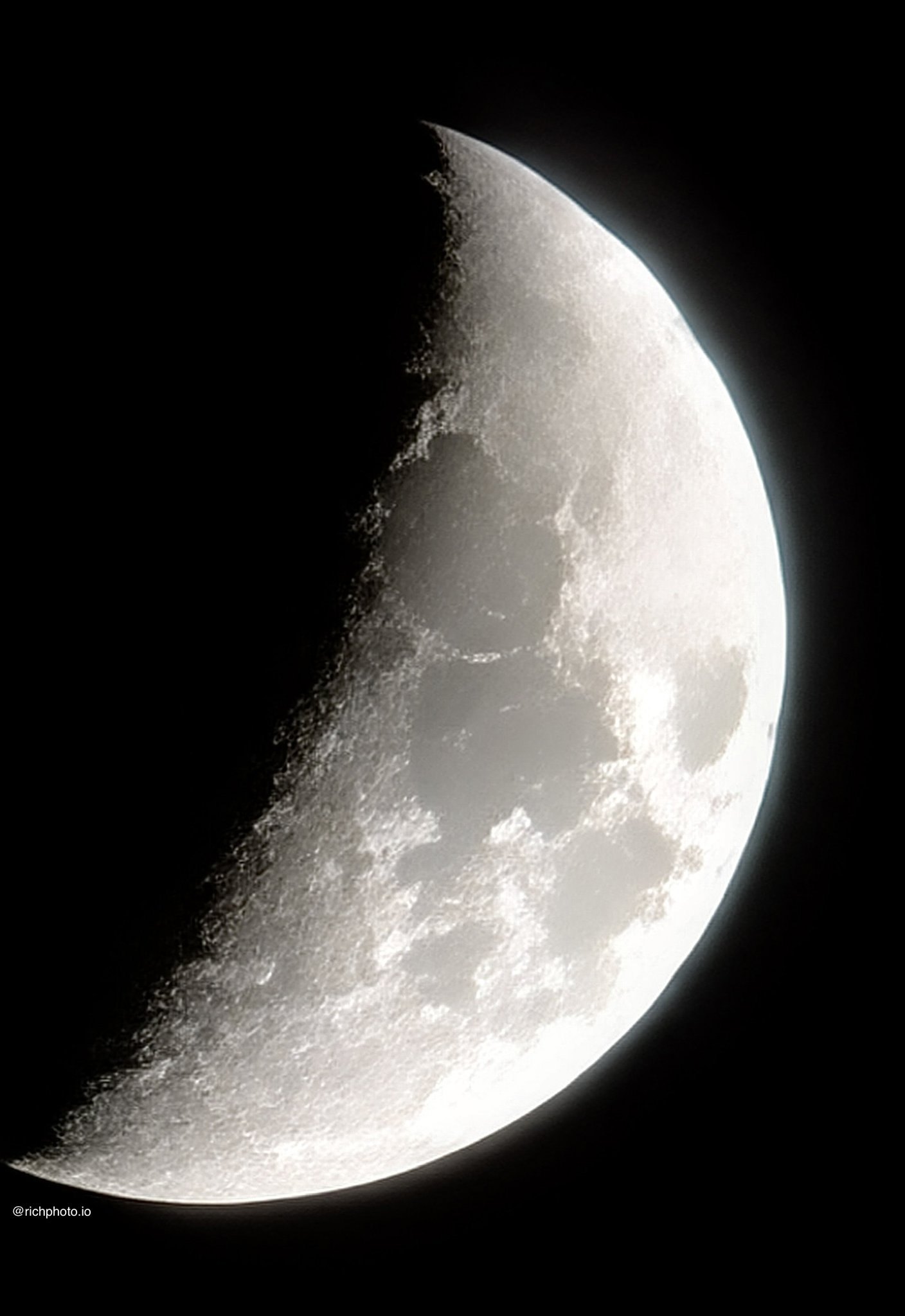
Not all moons are created equal. A full moon looks dramatic but can be super bright and flat. A crescent or gibbous phase often gives you better texture and depth—those crater shadows pop like they’re 3D. Check a moon phase app (most phones have one built-in) and aim for when the moon is rising or setting. That’s when it’s lower in the sky, bigger in the frame, and way more photogenic. Pro tip: the “supermoon” hype is real—catch one and your phone suddenly feels like it has superpowers. Timing is everything; chase the moon like it’s about to launch without you.
Steady Your Shot Like It’s Launch Day
The moon is far away and tiny in the sky, so even a tiny shake turns your masterpiece into blurry space soup. Brace your elbows against your body, lean against a tree, or—here’s the real game-changer—prop your phone on a fence post, car hood, or actual tripod if you have one. Your phone’s night mode already takes a few seconds of multiple shots, so any wobble ruins the stack. I’ve looked ridiculous holding my breath like I’m about to sneeze on a space shuttle, but it works. Bonus: the self-timer (3-second delay) keeps your finger from jiggling the whole rig.
Zoom Smart, Not Stupid
Your phone’s digital zoom is basically a fancy crop, so don’t go full 10x and expect miracles. Most modern phones have at least 2x or 3x optical zoom—use that first. Get as close as you can without going full “I’m trying too hard.” Walk forward, climb a hill, or just wait until the moon lines up with a landmark. If you have to pinch-zoom a bit, do it after you frame the shot, not before. Less zoom + bigger moon in the sky = way sharper results. Your sensor will thank you for not turning the moon into pixel mush.
Tame the Exposure Beast
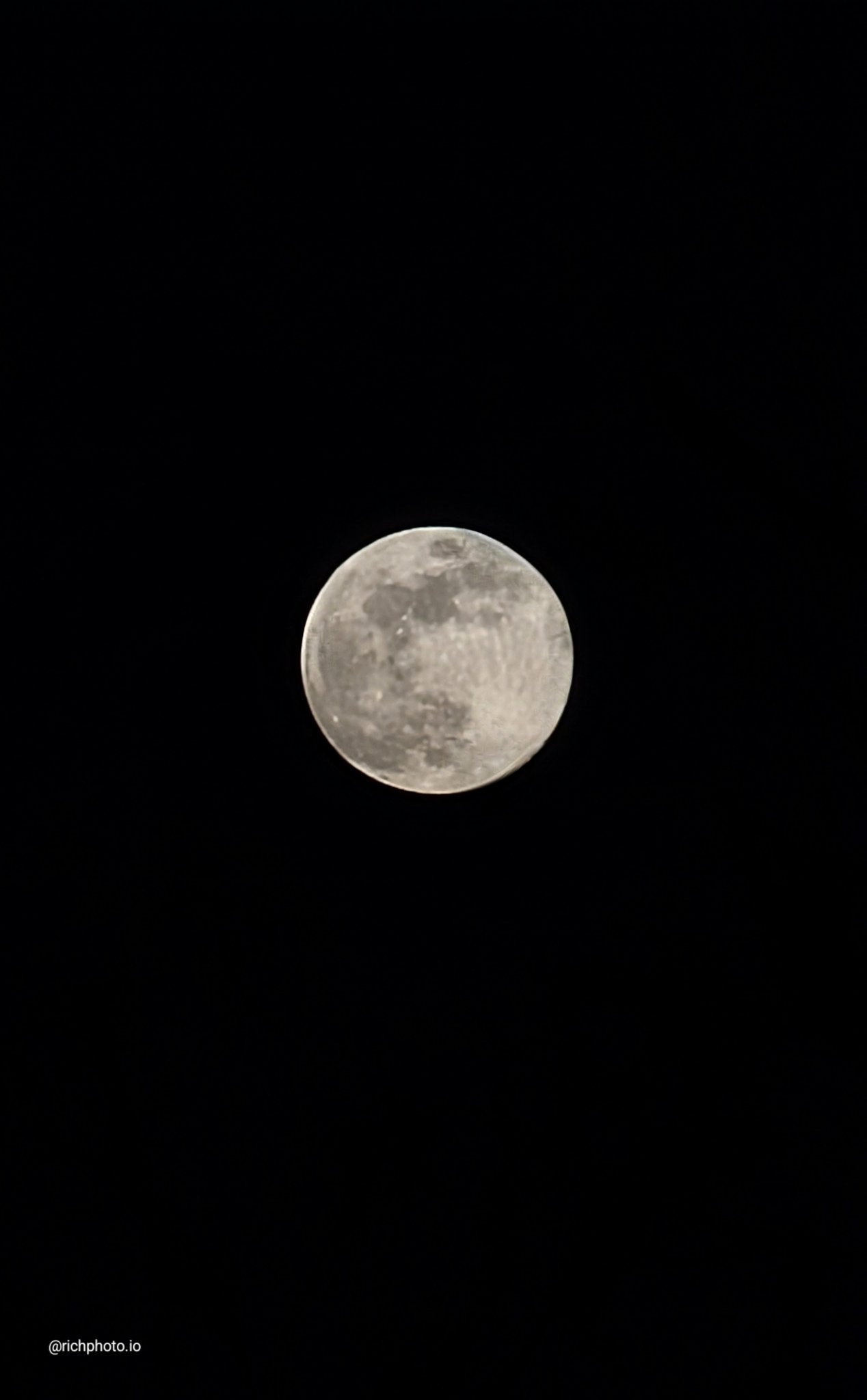
This is the big one: Phones love to overexpose the moon because they try to brighten the dark sky around it. Result: a featureless white circle that looks like a hole in your photo. Tap and hold on the moon itself to lock focus and exposure, then drag the exposure slider down (usually a sun icon) until the moon has detail and craters. Some phones have a dedicated “moon mode” or Pro mode—turn that on and dial the ISO way down and shutter speed up. It feels like cheating, but it’s just smart. Suddenly you’ve got texture instead of a glowing ping-pong ball.
Add Some Earthly Drama
A lone moon floating in black is cool for about two seconds. Make it epic by giving it context. Line it up with a tree silhouette, a rooftop, a mountain, or even your hand making a silly “holding the moon” pose. The contrast between our messy Earth stuff and that clean lunar glow is what makes people stop scrolling. Think of it as framing the moon the way Artemis II will frame Earth on its way home. One strong foreground element turns a basic moon pic into “whoa, that’s my backyard?”
Night Mode to the Rescue
Almost every phone now has a killer night mode—let it do its thing. It stacks multiple exposures and works magic on the moon’s surface. Keep the phone perfectly still while it’s working (that 3-5 second countdown is your friend). If your phone has astrophotography or “stars” mode, test it; some of them treat the moon like the rock star it is. No fancy app needed—your built-in camera is already smarter than most people realize.
Polish It in Post (But Keep It Honest)
You’re not done when you hit the shutter. Open the phone editor and gently bump contrast and clarity so those craters really pop. Pull down the highlights a touch if the moon is still too bright, and warm up the white balance just a hair for that golden-hour moon glow. Crop tight if you want the moon to dominate, or leave a little sky for scale. My rule: edit until it looks like what your eyes actually saw—not until it looks like a NASA fake. A light touch keeps it real and still blows minds.
Look Up and Dream Big
Next clear night, step outside, tilt your head back, and just stare for a minute before you raise the phone. That’s the same moon Artemis II’s crew will see up close. Capturing it with nothing but the computer in your pocket is pretty wild when you think about it. The more you practice these tips, the more you’ll start spotting moon opportunities everywhere—even in the city.
There you have it, moon photography that actually looks like you meant it. Give it a shot tonight and tag me with your best lunar catch. Who knows, maybe one day we’ll all be taking photos from ON the moon.
Rich Photography · Lexington, Kentucky